Web UI
The web UI starts automatically with every session. When the server launches, the URL is printed in your terminal. Open it in any browser to get started.
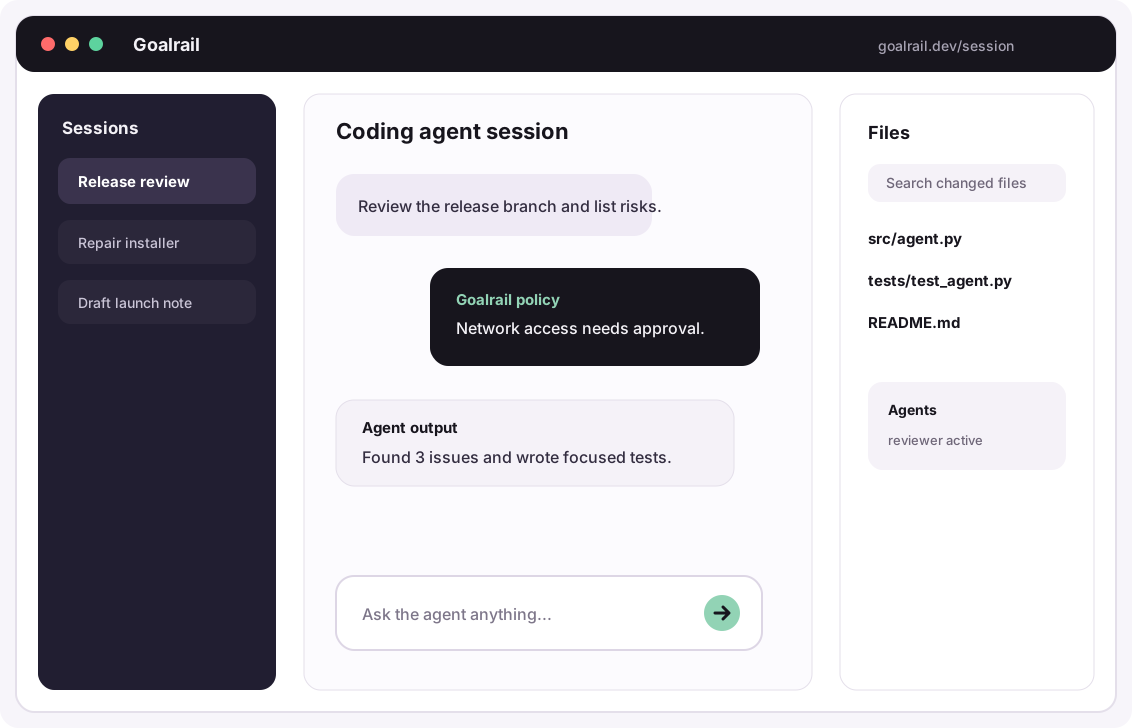
Session management
See all your sessions in one place. Resume any previous conversation, start new ones, switch between them. Switch agents mid-conversation directly from the UI.
Sessions persist across browser refreshes and server restarts.
Projects
Organize related sessions into a named Project. Each project is a collapsible
folder in the sidebar, keeping a long session list grouped around the work you're
doing. Projects don't nest, and a session belongs to at most one.
You can set or change a session's project from two places:
- When you start a session: in the new-chat composer, use the
Projectchip to search your projects, or type a name to create one on the spot. - For an existing session: open the session's
⋯menu and chooseMove session, then search your projects, create a new one, or remove the session from its project.
Each project folder has a shortcut to start a new session already filed there.
Removing a session from a project moves the session back to Chats section, and deleting a project archives all its sessions.
Browser-first mode
If you prefer to work in the browser rather than the terminal UI, start the server and host daemon once from the command line:
goalrail server start   # start the local server + web UI in the background
goalrail host           # (separate terminal) register this machine as a host
After that, open http://localhost:6767 and drive the agent entirely from the browser; no further terminal interaction needed.
File editor
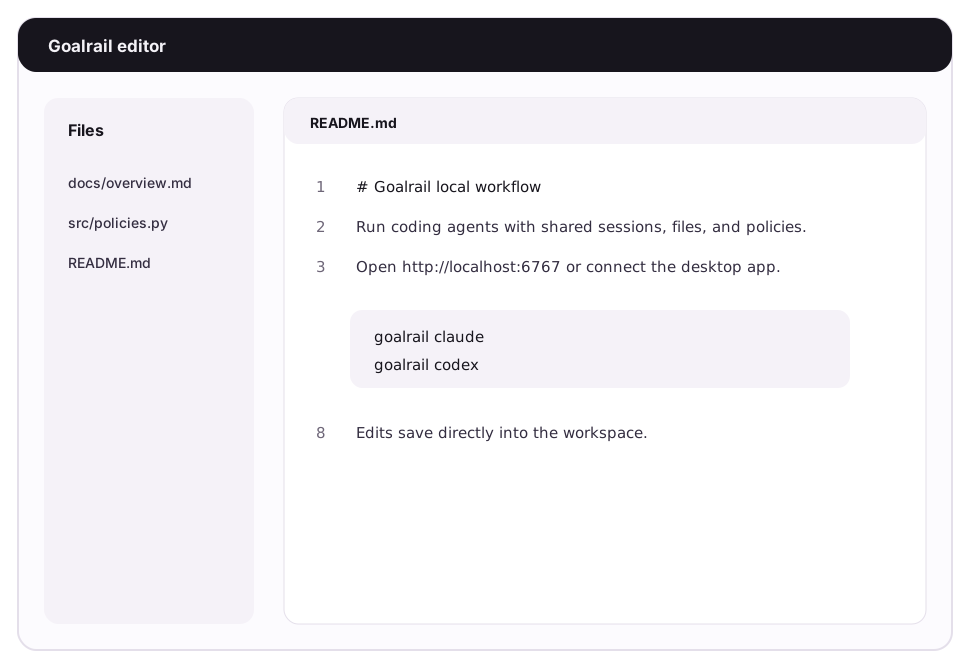
A full markdown editor with syntax highlighting for browsing and editing every file your Goalrail touches.
Your Goalrail drafts a documentation page. You open it in the editor, read it properly formatted, and make direct edits. Your Goalrail generates a config file. You review it with full syntax highlighting.
Use cases: updating documentation sites, reviewing Goalrail-generated plans, editing configs.
Code viewer and diffs
Review what your Goalrail changed before accepting. Syntax-highlighted diffs show exactly what was added, modified, or removed.
Inline comments and addressing
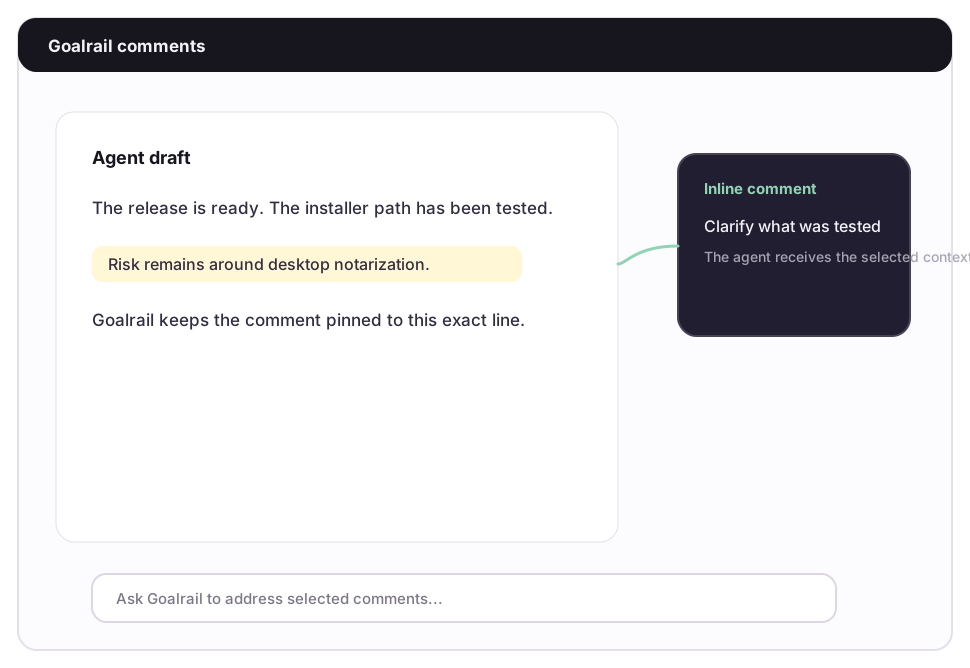
Instead of typing in chat "change the third paragraph to be more concise," you click on that paragraph and leave a comment: "too verbose, tighten this up." The Goalrail sees exactly what you're referring to and revises it.
Addressing closes the loop: resolve a comment and the Goalrail acts on the feedback. The workflow is: Goalrail proposes, you annotate, Goalrail revises.
Where this matters most:
- Reviewing plans before execution. Annotate the steps you want changed before the Goalrail starts building.
- Editing drafted docs. Leave line-level feedback instead of rewriting in chat.
- Iterating on configs. Flag the fields that need adjustment.
Multi-modal input
Paste images, screenshots, diagrams, and mockups directly into the conversation. The Goalrail sees them alongside your text. Useful for frontend work where describing a layout issue in words is slower than screenshotting it.
Collaboration
Share your session with teammates for real-time co-driving. Multiple people see the same conversation, leave comments, and interact with the Goalrail simultaneously.
See Pair Programming for details on sharing, permissions, and multi-user workflows.