Desktop App
The Goalrail desktop app gives you the full web UI in a native window, plus OS-level features a browser can't provide: notifications when your agent needs attention, a dock badge showing how many sessions are waiting, and multiple independent windows.
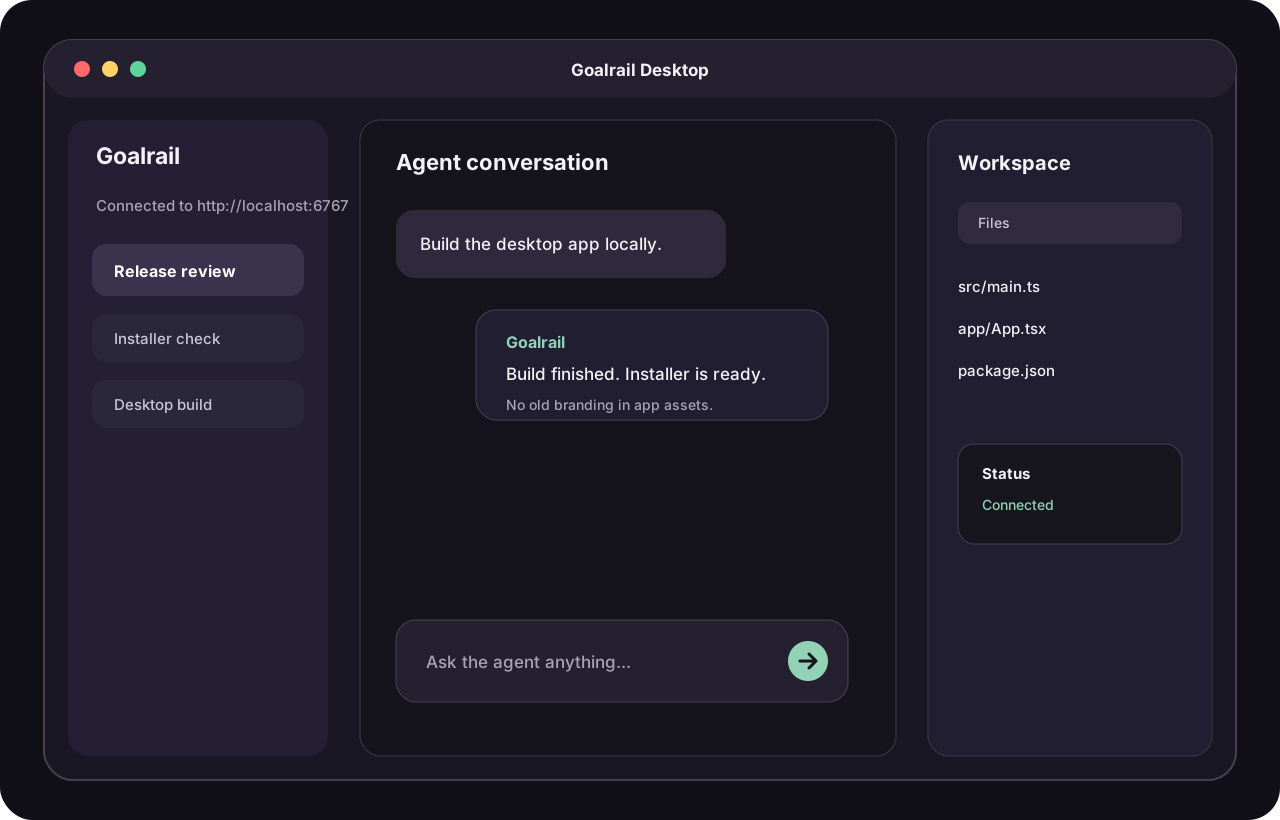
Why use it over the browser?
- OS notifications. Get notified when an agent finishes, asks for input, or a runner disconnects. Notifications show the first few lines of the agent's message and only fire for sessions you're not actively viewing.
- Dock badge. See at a glance how many sessions need your attention, without switching to the app.
- Multiple windows. Open additional windows with
Cmd+Nto watch multiple sessions or servers side by side.
Everything else (sessions, file editor, inline comments, collaboration) works exactly the same as the web UI.
Prerequisites
- A running server. The server stores your sessions and serves the UI the desktop app connects to; run it locally with
goalrail server startor point the app at a deployed URL. - At least one runner. A runner is the process that actually executes your agent. If you have cloud sandbox hosts set up, you'll be able to launch them from the app. Otherwise, register your machine by running
goalrail hostfrom your CLI.
Install
| Platform | Format | Status |
|---|---|---|
| macOS | .dmg | Download |
| Linux |
| Coming soon |
| Windows | Installer ( | Coming soon |
Get started
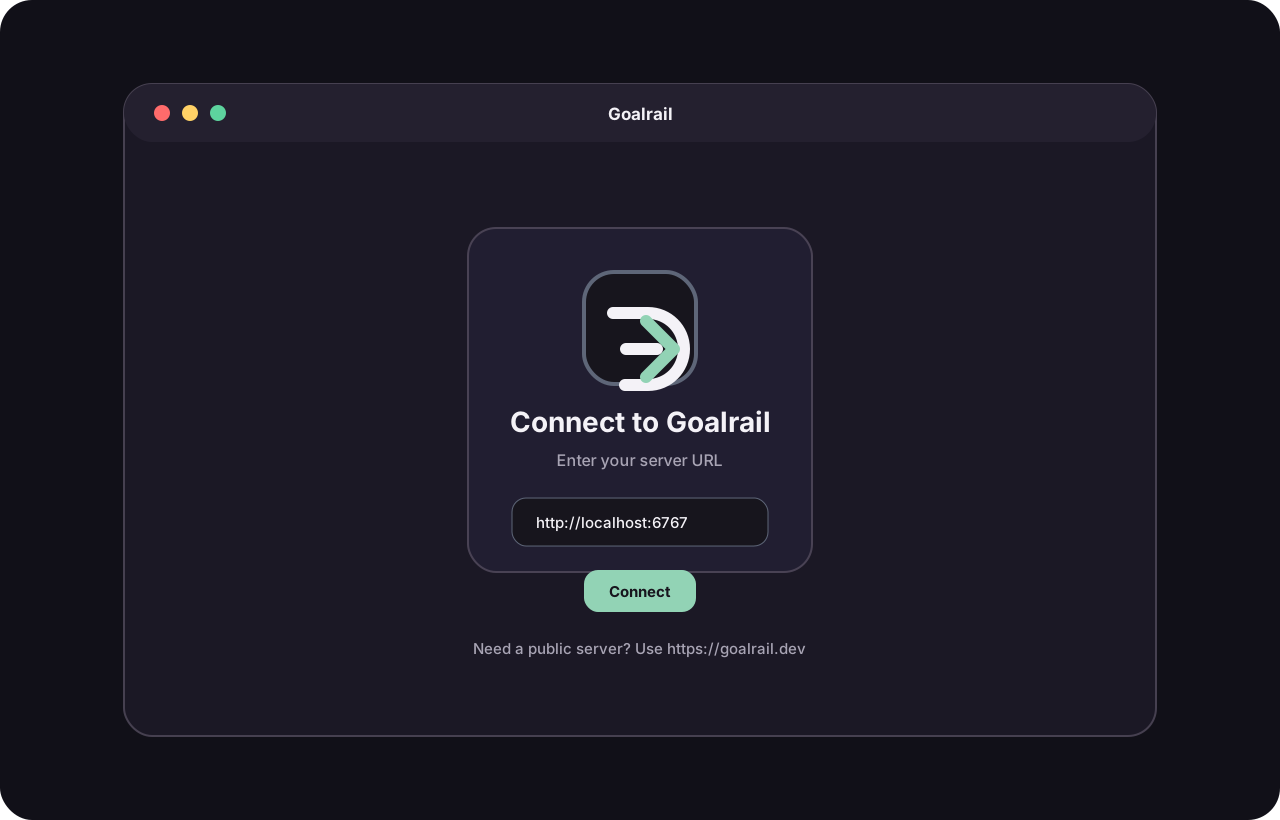
- Launch the app. On first launch, you'll see a setup screen.
- Enter your server URL.
http://localhost:6767if running locally, or your deployed server URL (e.g.https://your-app.onrender.com). - Start working. The app connects and shows the same UI you'd see in a browser.
The app remembers your server URL for future launches. To change it later, go to Server > Change Server.
Work with multiple servers
Each window connects to one server. To work with multiple servers at the same time:
- Go to Server > New Window on Different Server
- Enter the URL of the second server
Notifications and badge counts are combined across all connected servers.